
n
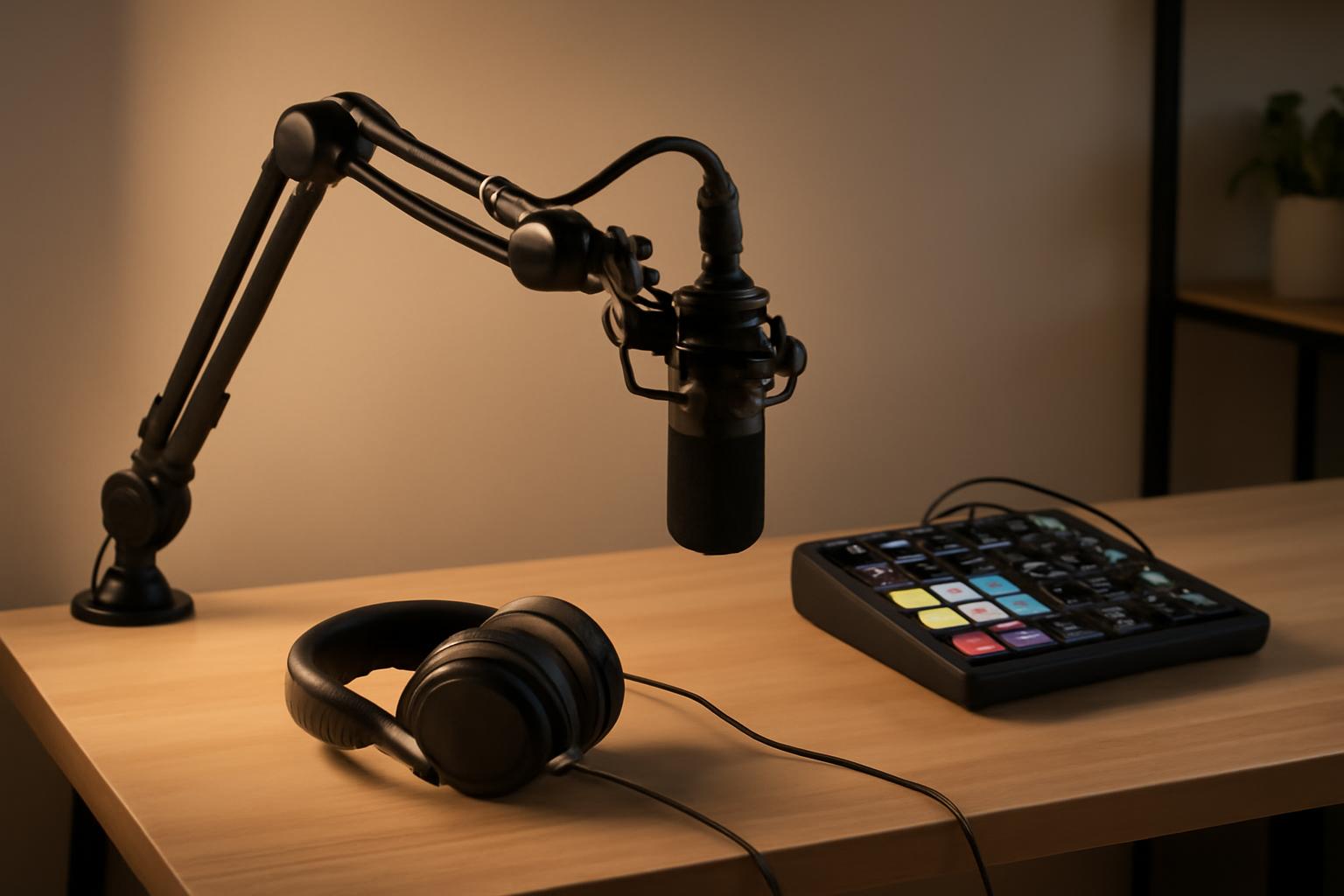
Finding the right podcast equipment for beginners can feel overwhelming when you first decide to launch a show. You do not need a full studio setup or thousands of dollars in gear. Most new creators start with a handful of solid pieces that deliver clear audio and keep things simple. The focus stays on reliable tools that let your voice come through without extra noise or complicated wiring.
n
n
Core Pieces Every New Podcaster Needs
n
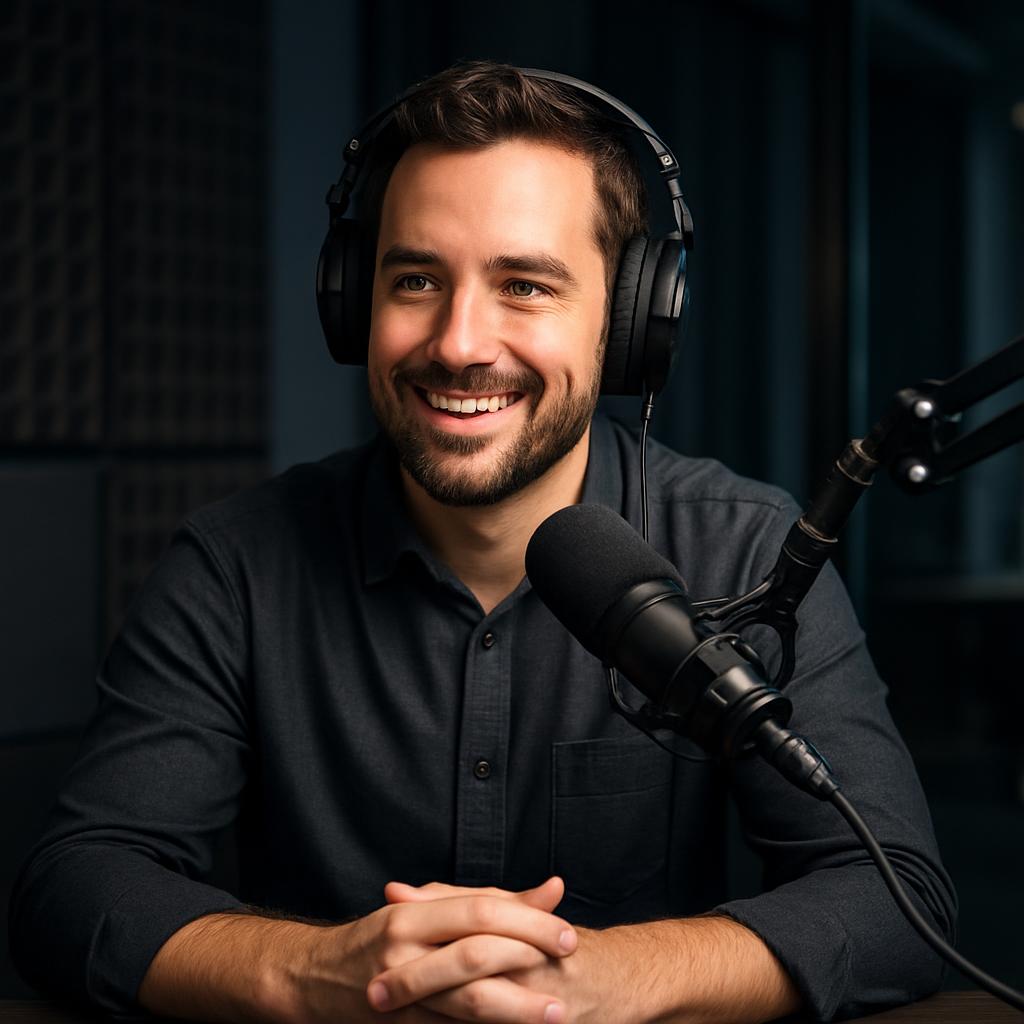
Start with the basics that handle recording and monitoring. A decent microphone captures your voice cleanly. Headphones let you hear exactly what the mic picks up. An audio interface connects everything to your computer and improves sound quality over built-in laptop options.
n
- n
- Microphone: USB models work fine for solo shows and plug straight into your computer.
- Headphones: Closed-back styles block outside sound so you catch problems during recording.
- Interface: A small two-channel box gives you better preamps and lower noise than onboard sound.
n
n
n
n
Best Podcast Equipment for Beginners on a Budget
n
Many creators begin with the Audio-Technica AT2020 paired with a Focusrite Scarlett Solo. This combination stays under $300 and produces broadcast-level results. If you want one-cable simplicity, the Shure MV7 USB version handles both dynamic and condenser modes without extra hardware. Add a basic boom arm and a foam windscreen to cut plosives right away.
n
Check current recommendations on Wirecutter before buying, since prices and firmware updates change often. Their testing shows which mics reject room echo better than others in typical home spaces.
n
Microphone Options
n
Dynamic mics like the Shure SM58 reject background noise well if you record in a kitchen or living room. Condenser mics such as the Rode NT1 need a quieter room but deliver more detail for interview shows. Beginners usually do better with dynamic choices until they treat their space.
n
Monitoring and Editing Tools
n
Closed headphones from Sony or Audio-Technica keep latency low during recording. For editing, free software like Audacity or Reaper handles most first shows without monthly fees. If you later want multitrack features, Adobe Audition offers a subscription model that scales with your growth.
n
Setting Up Your First Recording Space
n
Place the mic at mouth level about six inches away. Position your chair so you face a wall with some soft furnishings rather than a hard window. A simple blanket hung behind you reduces echo without buying acoustic panels right away. Test a short clip and listen back on different speakers to catch any hum or hiss.
n
Keep cables organized with velcro ties so nothing bumps the stand during a take. Record a short test with your normal speaking volume before inviting guests. This step saves hours of cleanup later.
n
Scaling Up After Your First Episodes
n
Once you hit ten or fifteen shows, consider adding a mixer if you bring on co-hosts. The Zoom PodTrak P4 gives four inputs and built-in compression that beginners appreciate. At that point you might also upgrade to a cloud-based backup service so raw files stay safe even if your drive fails.
n
Resources like Sound on Sound run regular gear roundups that compare new budget interfaces against older favorites. Their hands-on tests help you decide when an upgrade actually improves your sound versus just adding features you do not need.
n
Common Mistakes to Avoid
n
Do not buy the cheapest no-name USB mic sold in bulk. Those often introduce digital noise that no amount of post-production removes. Skip pop filters made of metal mesh if you already have a foam windscreen; the foam version handles most spoken-word plosives without changing tone.
n
Another frequent error is recording everything at max gain. Lower the input level so peaks sit around -6 dB. This leaves headroom for editing and prevents clipping that ruins an otherwise good take.
n
Finally, resist the urge to collect every accessory before your first episode. Start recording with the core three items, publish a few shows, then let listener feedback guide what to improve next.
n
Good audio comes from consistent habits more than expensive boxes. Pick equipment that feels comfortable during long sessions and focus on clear conversation. Your audience will notice the difference in your delivery long before they notice the brand names on your desk.
n
Further reading appears on Podcast Insights, where they track real creator setups and average spend across different show formats.
\n\n
\n
Sources
\n
- \n
- Podcast Index – Open podcast hosting and discovery platform
- Spotify Newsroom – Official Spotify news and podcast resources
- Edison Research – Podcast and audio research data
\n
\n
\n
\n
Understanding Audio Levels and Gain Structure
One of the quickest wins for beginners involves learning how gain works on your interface. The input gain dial controls how loud the signal reaches your computer before recording starts. Set it too high and you clip the audio even if your voice stays calm. Set it too low and you introduce digital noise when editing boosts the volume later. Aim for peaks around -6 dB on your meter during normal speaking, leaving room for natural variation without distortion.
Most interfaces show a visual meter so you can watch levels in real time. Hit record on a test take and speak at your normal podcast volume while watching that meter climb. If peaks consistently touch -3 dB or higher, lower the gain knob a half turn and try again. This simple habit prevents the biggest audio complaint from new listeners: inconsistent or distorted dialogue that editing cannot fix.
Building Your Backup and Distribution Workflow
Before you publish your first episode, establish a simple file storage plan. Save your raw recordings to an external hard drive or cloud service like Google Drive or Dropbox so a computer crash does not erase hours of work. Many creators keep the original WAV file plus a backup copy, then export an MP3 for editing and publishing.
Once edited, your show needs a host to distribute across Spotify, Apple Podcasts, and other platforms. Services like Buzzsprout or Anchor handle uploading, RSS feeds, and directory submissions without monthly fees for smaller shows. Spending thirty minutes setting up distribution now saves you from manual uploads and broken feed links later. Your equipment matters, but your distribution system ensures people actually hear what you record.