
n
Figuring out how to start a podcast feels overwhelming at first, but most successful shows began with one person, a decent mic, and a clear idea. The process breaks down into straightforward steps that anyone can follow without a big budget or prior experience. This guide walks through the practical path from concept to launch so you can get your show out there without unnecessary detours.
n
n
Choose a Focused Topic and Format
n
Start by narrowing your subject to something you can talk about consistently. Broad topics like “tech” or “movies” work less well than specific angles such as “indie video games from the 90s” or “daily habits of remote workers.” List five possible episode ideas right away to test whether the topic has legs.
n
Next, pick a format that matches your strengths. Interview shows need good guest outreach skills. Solo commentary requires strong scripting habits. Narrative series demand more editing time. Test a short pilot episode in private before committing.
n
How to Start a Podcast with the Right Equipment
n
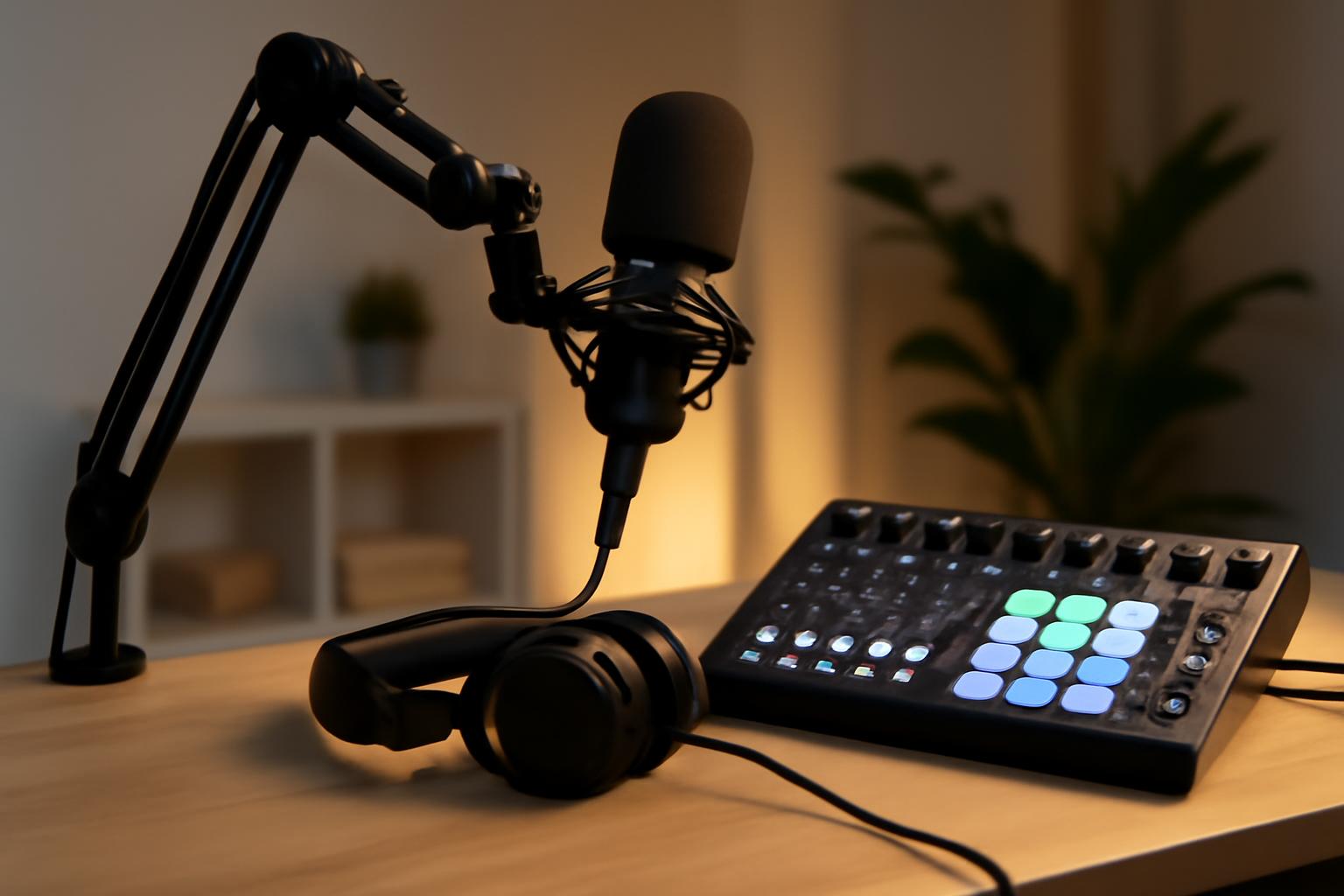
Skip the urge to buy everything at once. A basic setup gets most new shows off the ground.
n
Microphone and Audio Interface
n
A USB microphone like the Audio-Technica AT2020 or Fifine K669B plugs straight into your computer and delivers clean sound. Record in a quiet room with blankets or pillows on hard surfaces to reduce echo. Many creators begin this way and upgrade only after 10-15 episodes.
n
Headphones and Software
n
Closed-back headphones help catch plosives and background noise during recording. Free tools such as Audacity or GarageBand handle basic editing. Paid options like Descript or Adobe Audition add transcription and noise reduction once your show grows.
n
- n
- Record test audio in your usual space before buying anything else.
- Keep a simple checklist: mic, headphones, quiet room, editing software.
- Store raw files on an external drive or cloud backup from day one.
n
n
n
n
Pick a Hosting Platform and Submit to Directories
n
Hosting services store your audio files and generate the RSS feed listeners need. Spotify for Podcasters, Buzzsprout, and Transistor each offer free or low-cost starter plans with analytics. Compare storage limits and distribution tools before signing up.
n
Once your feed is live, submit to Apple Podcasts, Spotify, YouTube, and Google Podcasts. Each directory has its own review process, so allow a few days for approval. A clean show title, 300-character description, and square artwork at least 1400 pixels wide improve discoverability.
Record, Edit, and Publish Your First Episodes
n
Batch record two or three episodes before launch so you can maintain a consistent schedule. Speak naturally but keep episodes between 20 and 40 minutes until you learn what your audience prefers. Edit out long pauses and filler words, then export as MP3 at 128 kbps or higher.
n
Write show notes that include timestamps, links, and a one-sentence summary. These notes help search engines and give listeners quick value. Upload the file to your host, add the notes, and hit publish.
n
Promote and Grow from Day One
n
Share each episode on the platforms where your potential listeners already spend time. Post short clips to TikTok or Instagram Reels, join relevant Reddit threads, and reach out to similar shows for cross-promotion. Email a small list of friends or colleagues when new episodes drop.
n
Track downloads through your host’s dashboard and adjust topics based on what performs. Listener feedback via email or social comments often reveals the next five episode ideas without extra guessing.
nBuzzsprout Podcasting GuidenTransistor Resourcesn
Common Mistakes to Avoid
n
- n
- Overthinking gear instead of releasing the first episode.
- Skipping show notes and artwork that meet directory standards.
- Changing format every few weeks instead of sticking with one approach for at least ten episodes.
- Ignoring analytics until months later.
n
n
n
n
n
Consistency beats perfection. Release on a predictable schedule, even if that means every other week at first. The shows that last treat podcasting as a regular habit rather than a one-time project.
\n\n
\n
Sources
\n
- \n
- Podcast Index – Open podcast hosting and discovery platform
- Spotify Newsroom – Official Spotify news and announcements
- Edison Research – Audio and media research organization
- Apple Podcasts – Podcast hosting and distribution platform
\n
\n
\n
\n
\n
Build a Sustainable Publishing Schedule
One of the biggest reasons podcasts fail is inconsistent release patterns. Listeners subscribe to shows they trust to deliver new content on a predictable cadence. Whether you choose weekly, biweekly, or monthly episodes, commit to that rhythm for at least the first three months. This builds audience habit and tells algorithms that your show is active.
Planning ahead prevents last-minute scrambles. Create a content calendar three months out and batch-record when possible. If life gets hectic, prerecord buffer episodes so you never miss a publish date. A show that releases every Thursday at 6 AM builds more loyalty than one that publishes randomly whenever episodes are ready.
Engage with Your Listeners and Iterate
Your early listeners are gold. Respond to every email, comment, and social media mention, especially in those first weeks. Ask for feedback on what topics resonate and what falls flat. Many successful podcasters credit their audience for steering the show toward its best material.
Pay attention to which episode types generate the most downloads and listener engagement. If interview episodes outperform solo commentary, lean into interviews. If a specific topic sparks conversation, dig deeper into related angles. Podcasting rewards creators who listen to their audience and adjust course rather than rigidly sticking to a predetermined plan. Use your analytics dashboard monthly to spot trends, then act on them in your planning.